Assigning roles
Do the following to assign or modify a team member's role:
-
Navigate to Teams from the left side of the Home page.
-
On the Team page, click the corresponding member’s options and select Edit.
-
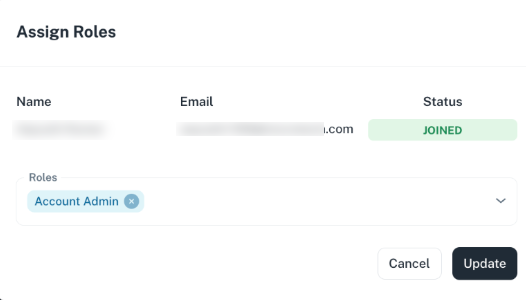
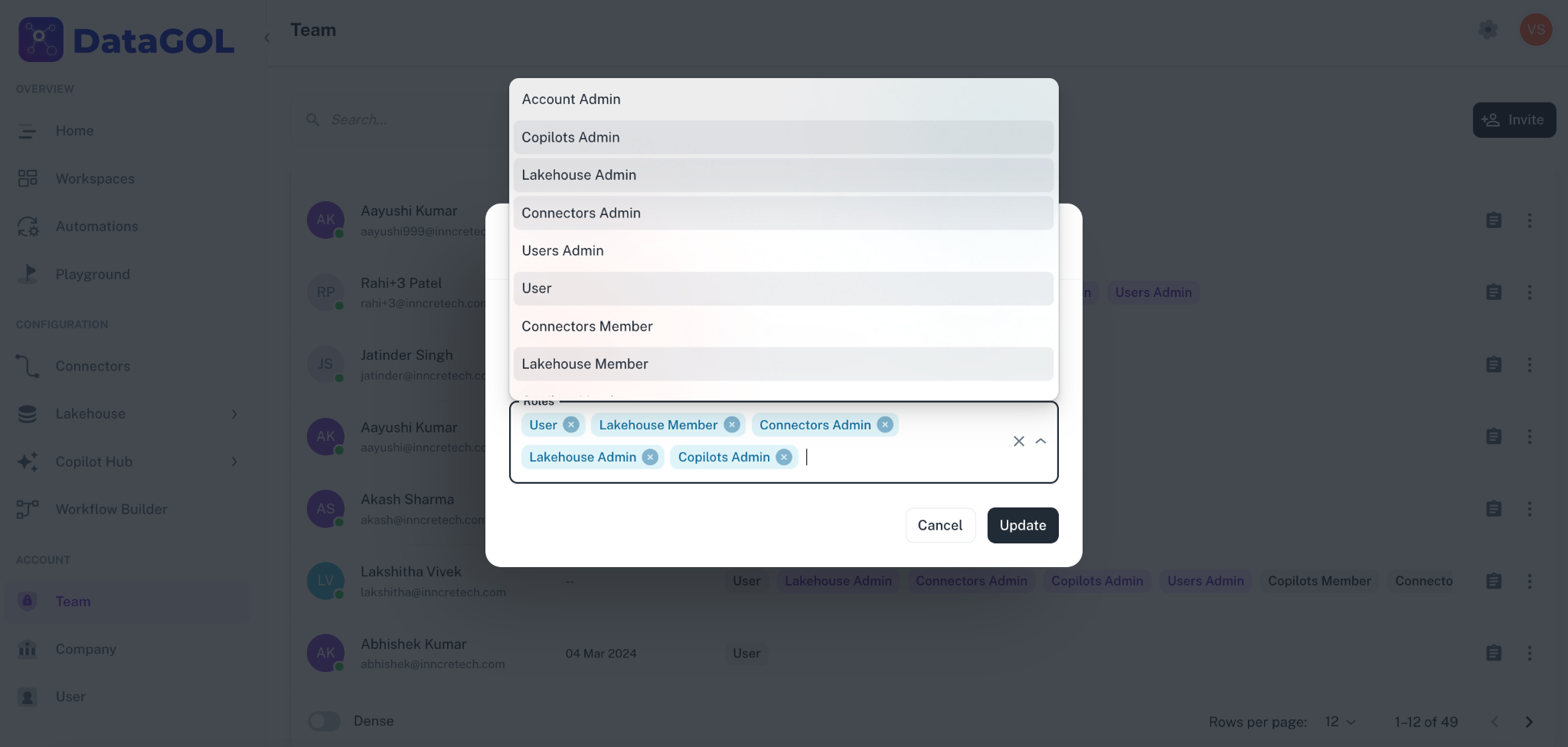
In the Assign roles dialog, edit the roles as required and click Update.
Special considerations for Account Admin role
- If you want to add roles to a member who is an Account Admin, the roles are not visible on the teams page initially. However, when you click the more options icon, all available roles will be displayed.
- If you delete the Account Admin role and add another role, the new role will appear on the teams page.
- For members who are not listed as Account Admins, click , and add different roles, and the changes are immediately reflected on the Teams page.
Was this helpful?